AI sound effect generator
Describe the sound. Create it.
Write the moment you need instead of digging through a generic stock library. Sound Effects AI creates custom audio prompts for your next edit, game, or social post.

Generated prompt
A soft sci-fi UI confirmation
One workflow. Three moves.
- 01
Describe the action, atmosphere, or reaction.
- 02
Set the duration you need for the edit.
- 03
Generate the sound and keep the version that fits.
Prompt board
Specific scenes make better sounds.
Use the action, texture, setting, and timing in a single line. The result is much closer to the moment you have in mind.
A soft sci-fi UI confirmation
Fast whoosh for a title transition
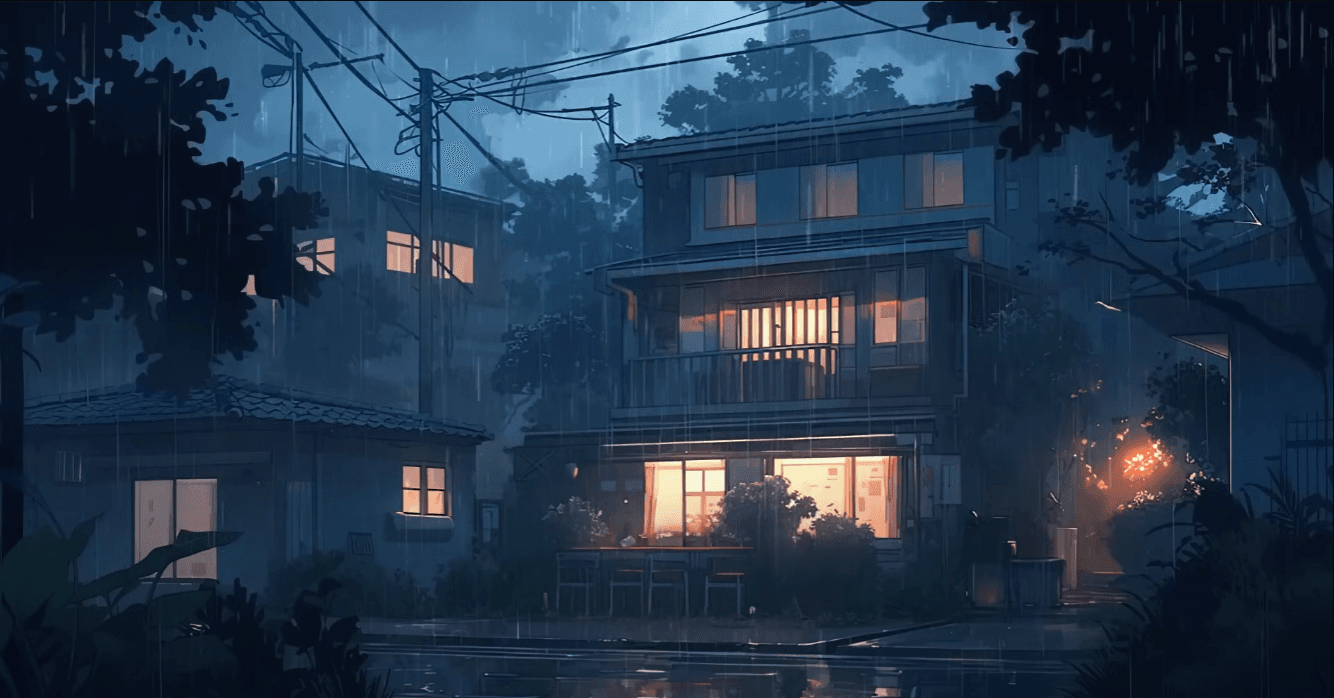
Rain against a bedroom window
What can I generate?+
Use short, specific descriptions for effects, ambience, transitions, and reactions.
Do I need audio production experience?+
No. Start with plain language that describes what should happen and how it should feel.
Can I make more than one version?+
Yes. Try a different description or settings to create alternatives for your edit.