 Character
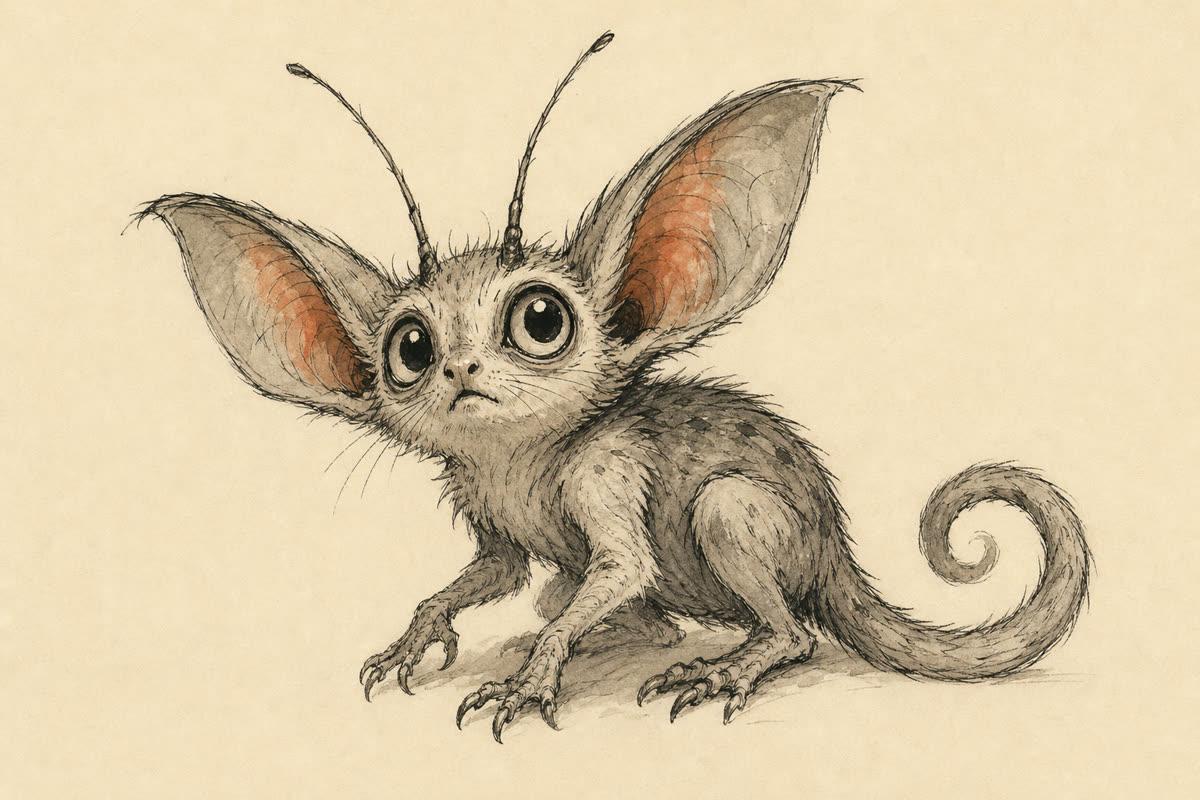
Glimmet
A little cave critter that chirps, trills and yawns.
Pick glimmet when you install, or in /config
Free plugin for Claude Code
Give it a character: a win when it's done, a call when it's your turn, an ouch when something breaks. Make a pack from any character you like, or start with a free one.
Free, no account needed · Mac, Linux and Windows
Paste these into Claude Code, one at a time
/plugin marketplace add MabroorA/claude-code-sounds/plugin install sounds@sound-effects-aiIt asks which pack you want. Then type /sounds:try to hear it.
Type any character, from a superhero to your cat. We write a sound for each of its moments, you make them, and Claude Code plays them as it works.
Light, springy gadget sounds with quick webby charm. Made from “A web-slinging superhero”.
Win · When Claude finishes · 1.4 s
Elastic web twang resolving into a soft thump, triumphant and tidy
Your turn · When it needs your OK · 1.2 s
Two quick web ticks rising, like a small hook tugging your sleeve, curious and alert
Ouch · When a turn stops on an error · 0.80 s
A brief web snap and tiny skid, a soft oops
Level start · When a session starts · 1.5 s
Soft gear click and web shooter hiss, waking up ready
Got it · When you send a message · 0.30 s
One tiny web tick, almost a whisper
Low energy · When the context fills up · 1.9 s
Slow sticky web stretch and gentle sigh, tired and slowing down
Free to use. Want one of your own? Type any character in the box above.
Download pack (.zip)To hear it: install the plugin with the two commands at the top, unzip the pack, then in Claude Code open /config, find Sounds and choose the folder as Your own sounds.
Three original packs come with the plugin. Play a whole pack, or press a moment to hear just that one.
CharacterA little cave critter that chirps, trills and yawns.
Pick glimmet when you install, or in /config
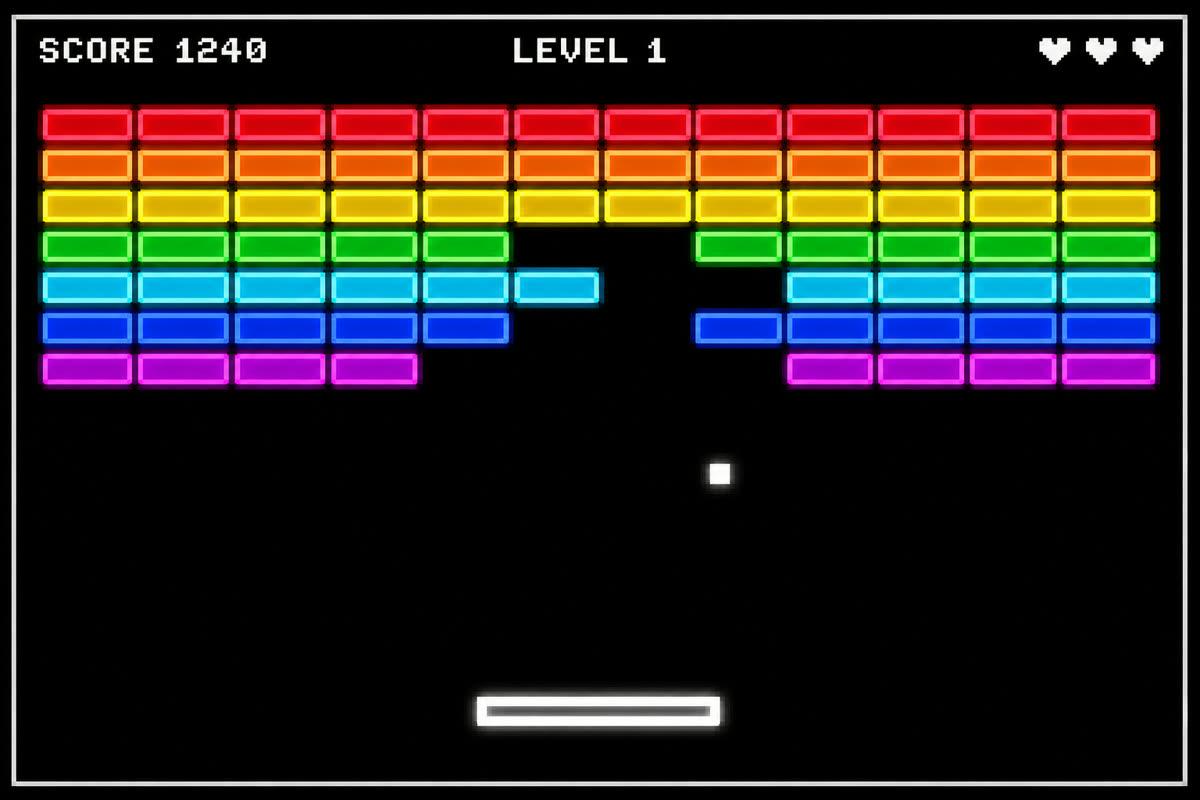 Retro
Retro blips: a point when it's done, a lost life on an error.
Pick arcade when you install, or in /config
Soft wood and glass notes for open offices and late nights.
Pick quiet when you install, or in /config
Making a game with Claude Code? The game sound kit makes all its sounds from one screenshot
Install the Sounds plugin with the two commands at the top of this page. It plays a sound when Claude finishes, when it needs your OK and when a turn stops on an error, with nothing else to set up.
Yes. On a Mac it works out of the box. On Linux it needs paplay, pw-play, ffplay, mpv or aplay, and most desktops have one. On Windows it needs Git Bash, which comes with Git for Windows, and WSL plays through Windows' own player.
Open /config in Claude Code and find the Sounds options. Pick glimmet, arcade or quiet, and set the volume from 0 to 100. Type /sounds:try to hear your pack.
Yes. Type any character or theme, like a grumpy pirate parrot. We write a sound for each moment for free, and each sound you make uses 1 credit. Download the pack, then choose its folder as Your own sounds in /config. A famous character works as a guide to the sounds of their world, and the pack gets a name of its own. The example packs on this page are free to download.
Yes. Put WAV files in a folder and choose it as Your own sounds in /config. Name each file after its moment: done, needs-you, error, start, got-it or full. Any moment without a file keeps the pack's sound.
Yes. Each pack is also a CESP sound pack with an openpeon.json file, so peon-ping and other players can use it.
Yes. The sounds are CC BY 4.0: use them anywhere, including commercially, and credit Sound Effects AI. The plugin's code is MIT.
No. Sounds for Claude Code is a free plugin from Sound Effects AI. Claude and Claude Code are Anthropic's products, and we aren't affiliated with Anthropic.